Enjoy a broader field of view, vibrant and lifelike visuals, and a more comfortable viewing experience with reduced radiation exposure. Customize your display settings effortlessly with the multifunctional button to suit your preferences.
Are MacBook models with M1/M2/M3/M4 chips compatible with this monitor?
Due to the limitations of M1/M2/M3/M4 chips, a triple-screen extension requires an additional DisplayLink docking station. For recommendations, feel free to message us.
Why does the display show No Signal when using a USB-C cable?
If your laptop's USB-C port isn't fully functional, the display will show No Signal and the backlight will turn red. A USB to HDMI converter can resolve this issue. Search for B0D2KF8J2M to find the recommended adapter.
Why does the display show No Power when using USB-A and HDMI cables?
1. Connect the USB-A cable first, then the HDMI cable (to the third port). Do not reverse the order.
2. If your USB-A port doesn’t supply power, the connection will fail. Try using a different USB-A port.
I can't connect both monitors to my Dell Latitude 5440, Precision 5690, or Precision 3580.
Due to system limitations of these Dell laptops, a display adapter is required for the setup. For our recommended solution, search for B0D2KF8J2M to try our compatible USB to HDMI converter.
I need help! How do I ask for help?
Visit our store page and provide your laptop model and order details. We’ll provide solutions promptly!


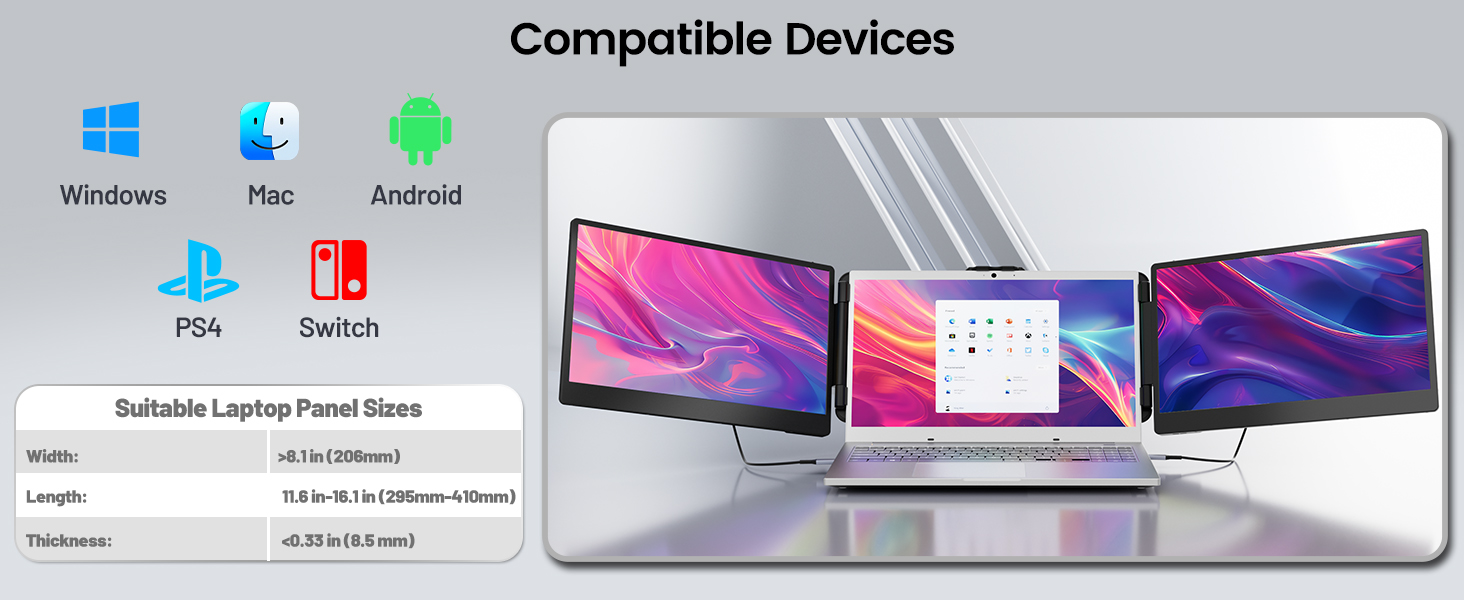
Product description
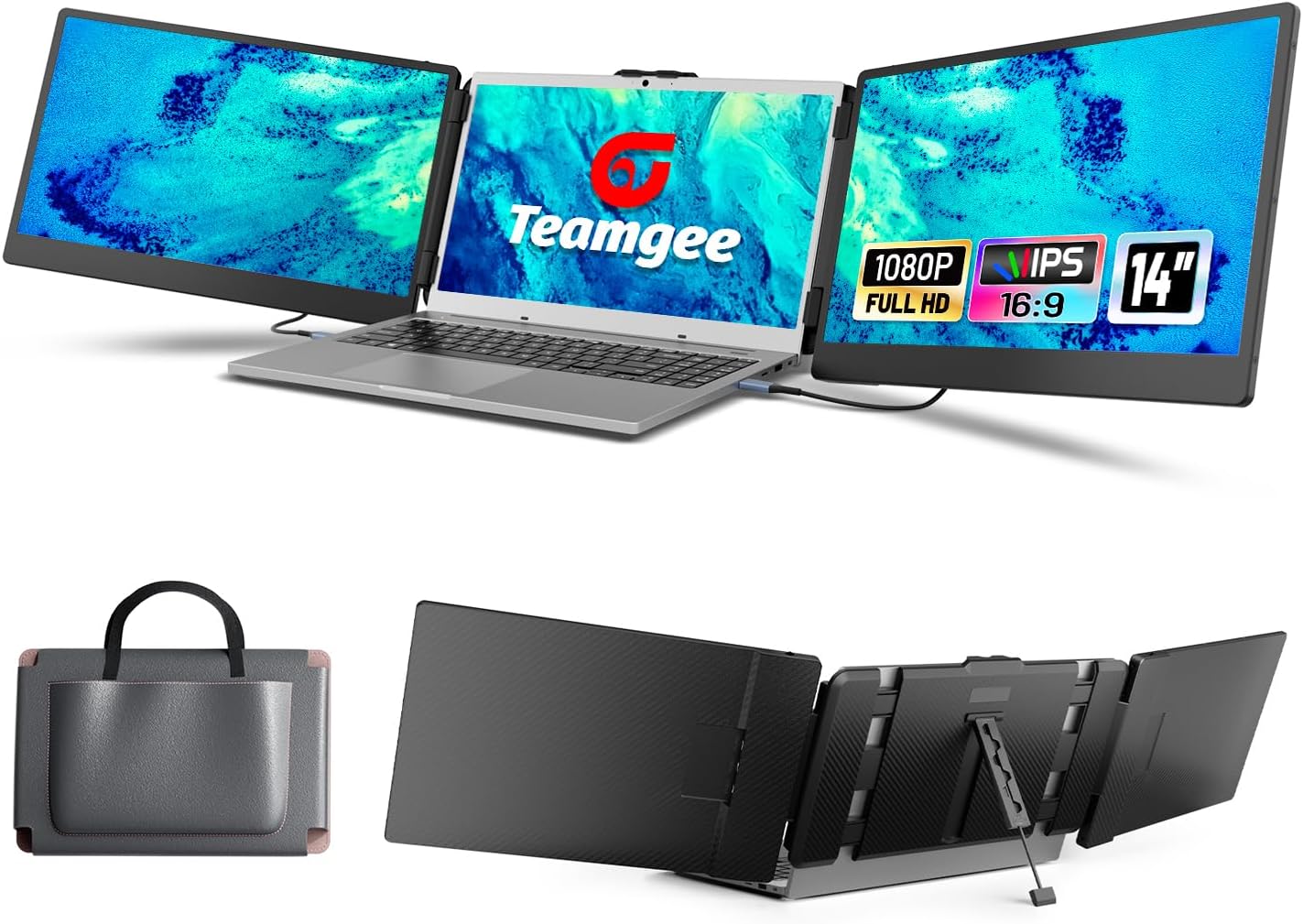
1080P IPS FHD Display
Enhanced 14” Visual Experience
Visit the Store
At , we don’t just design devices — we build flexible, effortless multitasking that turns "keeping up" into "taking it easy."
In remote work, "productivity" shouldn’t equate to overwhelm — is here to help streamline work-leisure switches, freeing users from daily workflow demands. From multi-screen extenders to small tweaks, we elevate productivity tools: beyond fast tasks, we deliver smooth, intuitive multi-screen collaboration.


From the brand



![for Z Fold 6 Case with Screen Protector Built-in Kickstand, Orange | Camera Lens Cover[Hinge Protection] Full Body Shockproof Anti-Drop Protective Phone Case for Samsung Galaxy Z Fold 6](https://m.media-amazon.com/images/I/71oRHEEsF7L._AC_SY300_SX300_QL70_FMwebp_.jpg)


